Image
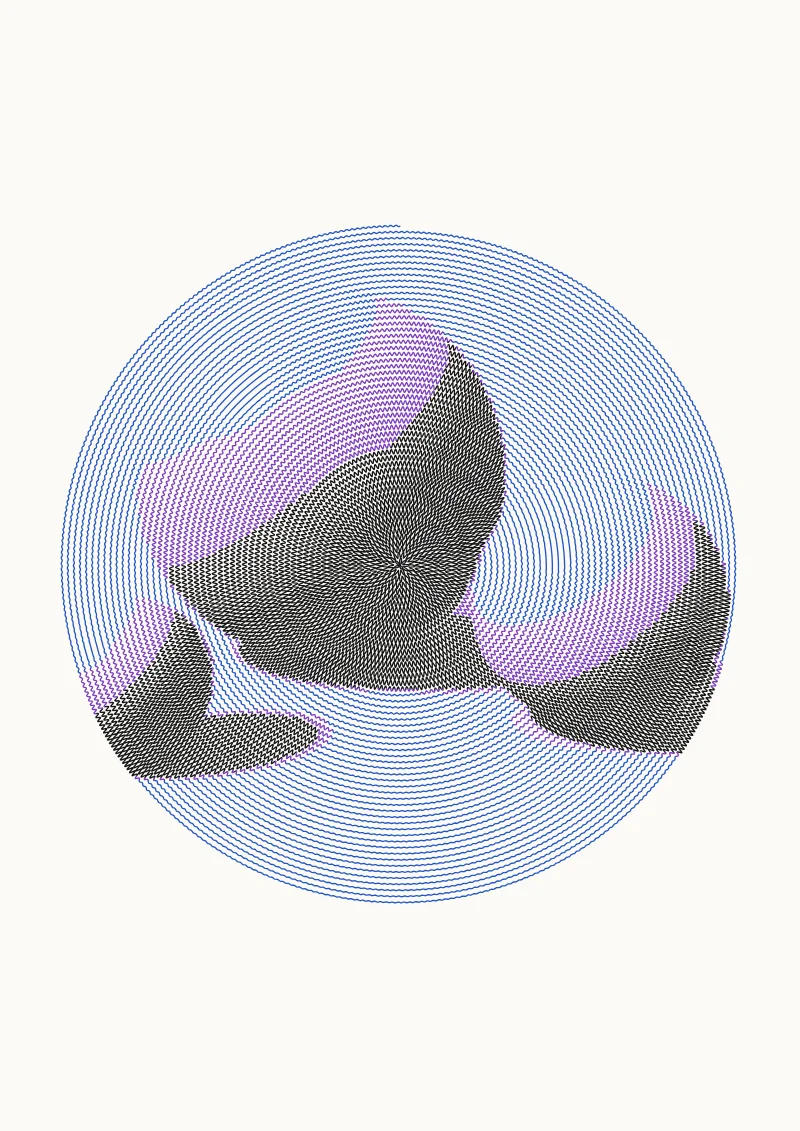
Turn a photo into a squiggle spiral, squiggled rows, cross-hatching or a single-line TSP portrait.
Pens
Colors follow image darkness in every drawing mode. Starts with 3 pens and works with anywhere from 1 to 8.
Settings
Fit, Contrast, Brightness, Invert, Mode, Line spacing (mm), Amplitude, Wavelength (mm), Frequency modulation, Spiral extent, Join rows into one stroke, Hatch layers, Points, Tour refinement.
The preview uses the default settings on A4. Press R in the app for random variations. The SVG export is in millimetres with one Inkscape layer per pen, so it works with the AxiDraw extension, vpype and saxi.